How to Find Items in Tidy Up Together
Hunting products in the wreck without inventing a magnet the game does not ship.
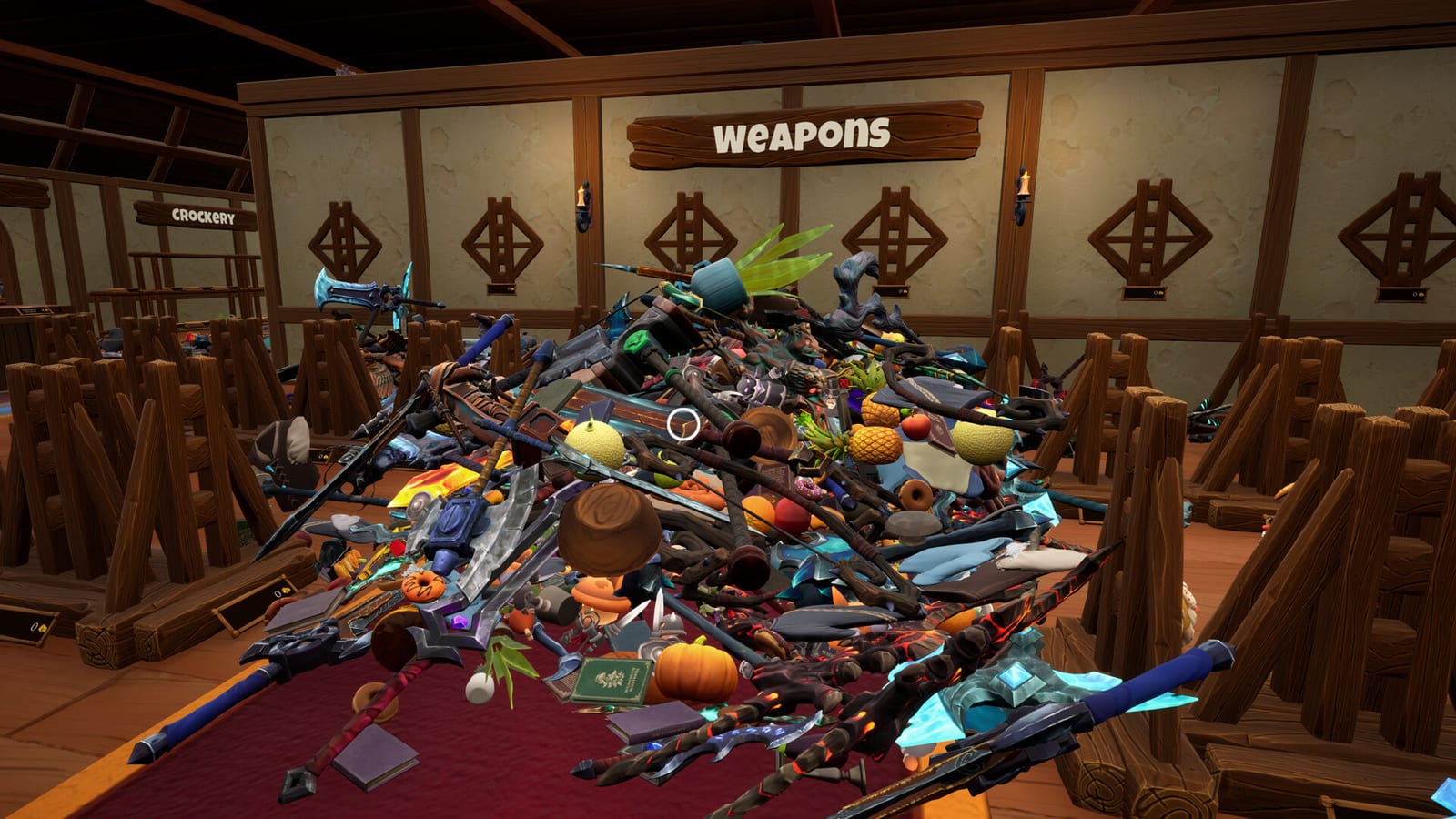
Most “I cannot find it” problems in Tidy Up Together are one of three things: you are aiming past a tight hitbox, you are holding the wrong family for the aisle you are standing in, or you are in the last ten percent of a large shop and the floor looks empty when it is not. This page is the hunt guide. It sits next to item categories and how to play.
Start with your eyes, not with a myth
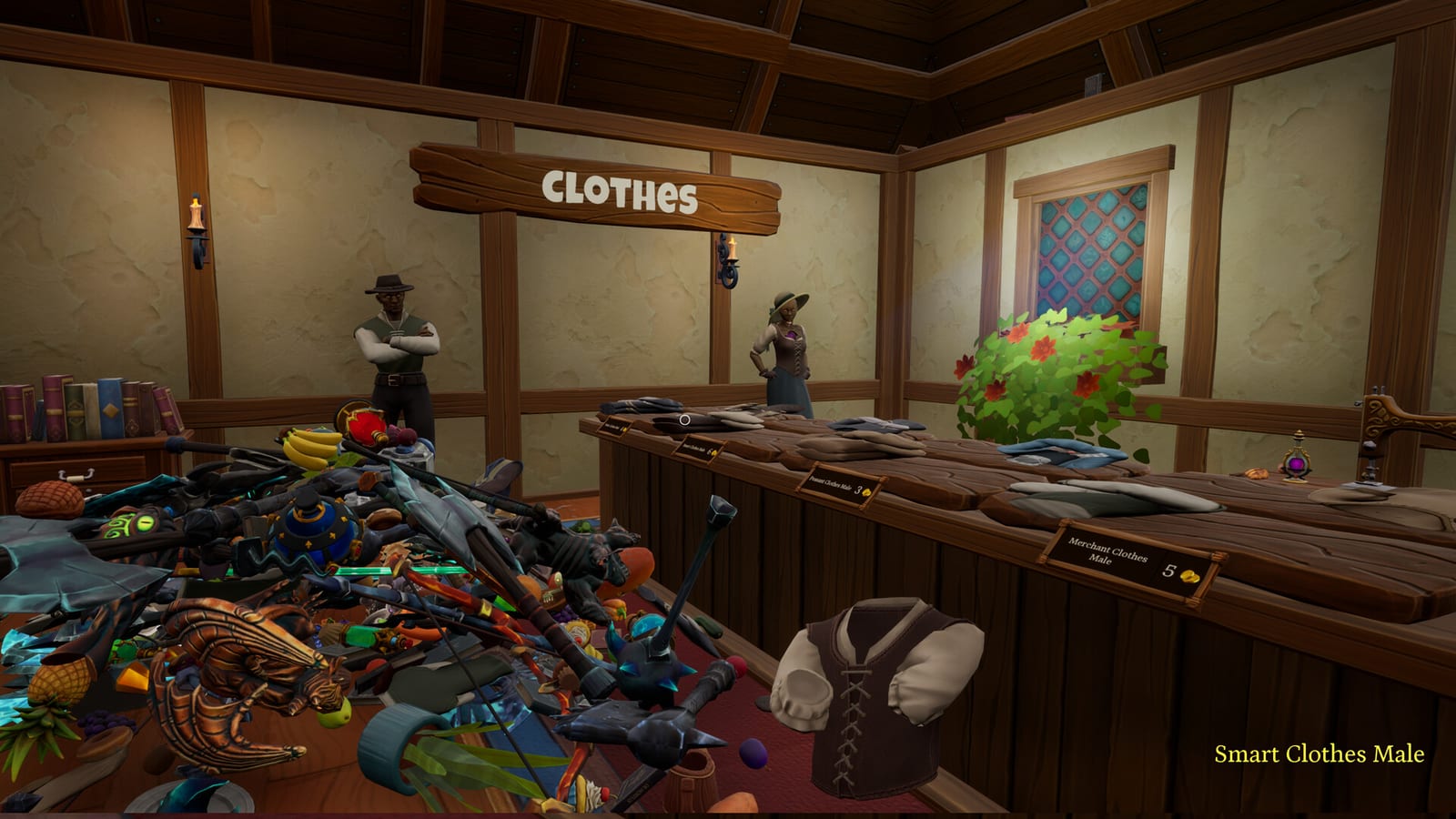
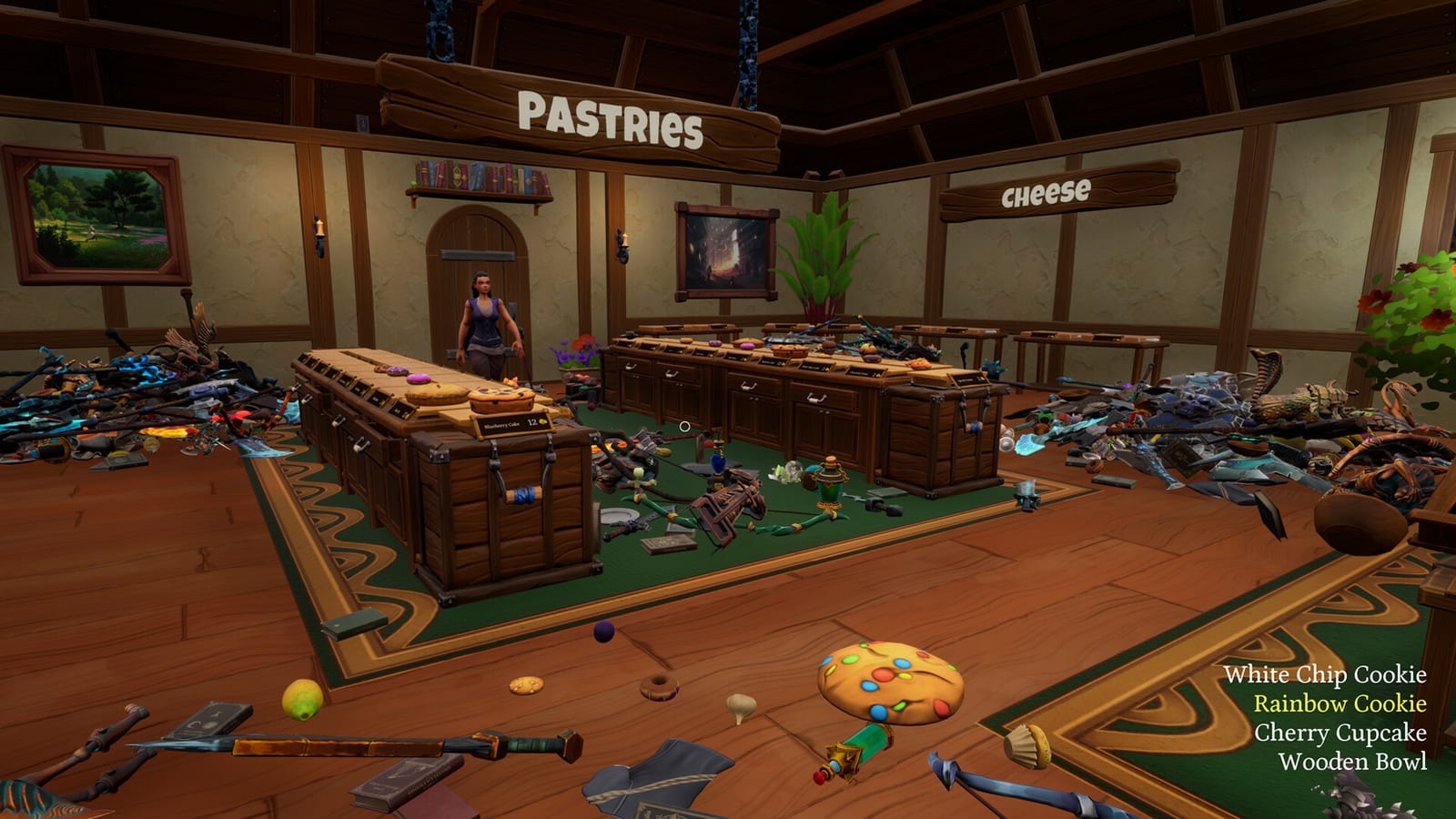
Walk a lap. First-person clutter hides bottles behind crates and swords under tables. If you just spawned, do not grab the first rainbow pile. Note the shelf runs. Food wings and steel wings are easier to read than a mixed fistful.
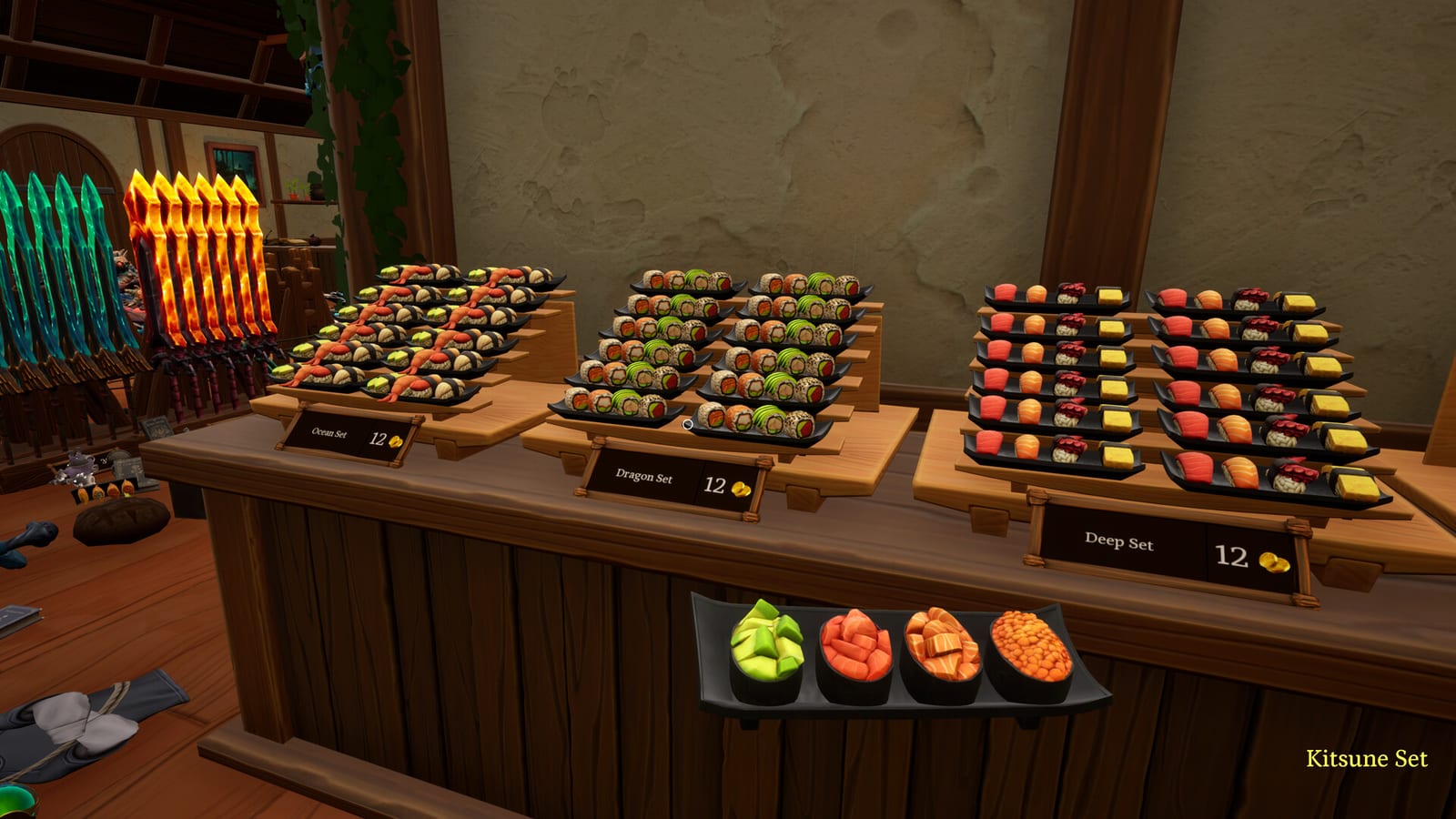
When you do grab, grab one family. Carry that family until the green silhouette appears. If it never appears, you are in the wrong wing. Drop, walk, try again. Launch players who wanted unique locked slots hated this. Players who wanted a friendship activity liked it. The rule is the same either way.
If a product will not lift, you are probably looking at the wrong collider. Lower the camera. Strafe. Drop your current stack so the interact is clean. The controls page is the other half of this advice. Sensitivity that works in a shooter is too hot for potion necks.
Use the abilities the game actually has
Launch reviews mention two hunt tools by function: a highlight for lost or matching products, and an auto-grab for the thing already in your hand. They also say auto-shelf is not here. Build your hunt around the first two. Rank them on the skill tier list and buy them with the upgrade order.
Highlight is the late-shop tool. The last ten percent of Dragon and almost all of the ugly middle of Leviathan is straggler work. Auto-grab is the lazy runner tool. It is how a co-op runner feeds a shelf owner without bending over every bottle.
Do not wait for a skill that copies another studio’s “shelf guide” name. If it is not in your upgrade panel, it is not in this build.
Hunt patterns that scale
Solo, small shop. Lap, then one family at a time. Wyrmling is small enough that this is the whole guide.
Solo, mid shop. Own a wing. Finish it. Then rotate. Crossing the building is how Dragon steals an hour.
Co-op, any shop. One hunter, one placer, or one player per family. Call out rares. The multiplayer page is the social version of this paragraph.
Last ten percent. Slow down. Crouch the camera. Turn on Color Alternatives if two crates melted together. Use highlight if you have it. Tick the shop checklist so you do not “find” a wing you already called done.
If you still cannot find a product, it may already be on a legal shelf and you are hunting a ghost. Walk the matching aisle before you accuse the tornado of eating a pineapple.
What finding is not
Finding is not a quest marker. Finding is not a minimap ping unless a future patch adds one. Finding is not a Trello board. Finding is not a Roblox ESP script. This wiki will not publish one.
When the floor is actually empty, the shop is done. Look at the time, pet the cat if needed, and go home. The Shops Hub will tell you which floor you just finished.
Frequently Asked Questions
Quick answers to the most common questions.
Why can I see an item but not pick it up?
Launch reviews call the grab volume tight. Re-aim, drop your stack, and lower look sensitivity before you assume a despawn.
Is there a magnet or auto-shelf for finding items?
Players mention highlight and auto-grab. They also say auto-shelf is missing. Buy the tools that appear in your panel.
How do I find the last items in Leviathan?
Slow the camera, own one wing, use highlight if you have it, and confirm the matching aisle before you roam the whole store.
Does the green silhouette show hidden items?
It shows a legal place for what you are holding, especially when a match is already on the shelf. It is a place hint, not a floor scanner.