Tidy Up Together Demo Guide
What the free shop includes, and why it is not a locked Wyrmling.
Tidy Up Together has a free Steam demo, app 5006000, that went live before the 14 August 2026 launch. The eve-of-launch news post The Leviathan Approaches said the demo had a brief outage and was live again, with apologies. Several launch buyers said they purchased because the demo already felt right. That is the correct use of a demo in a crowded tidy-up month. This page tells you what it is, what it is not, and when to stop playing it and buy the full shop set.
What the demo actually is
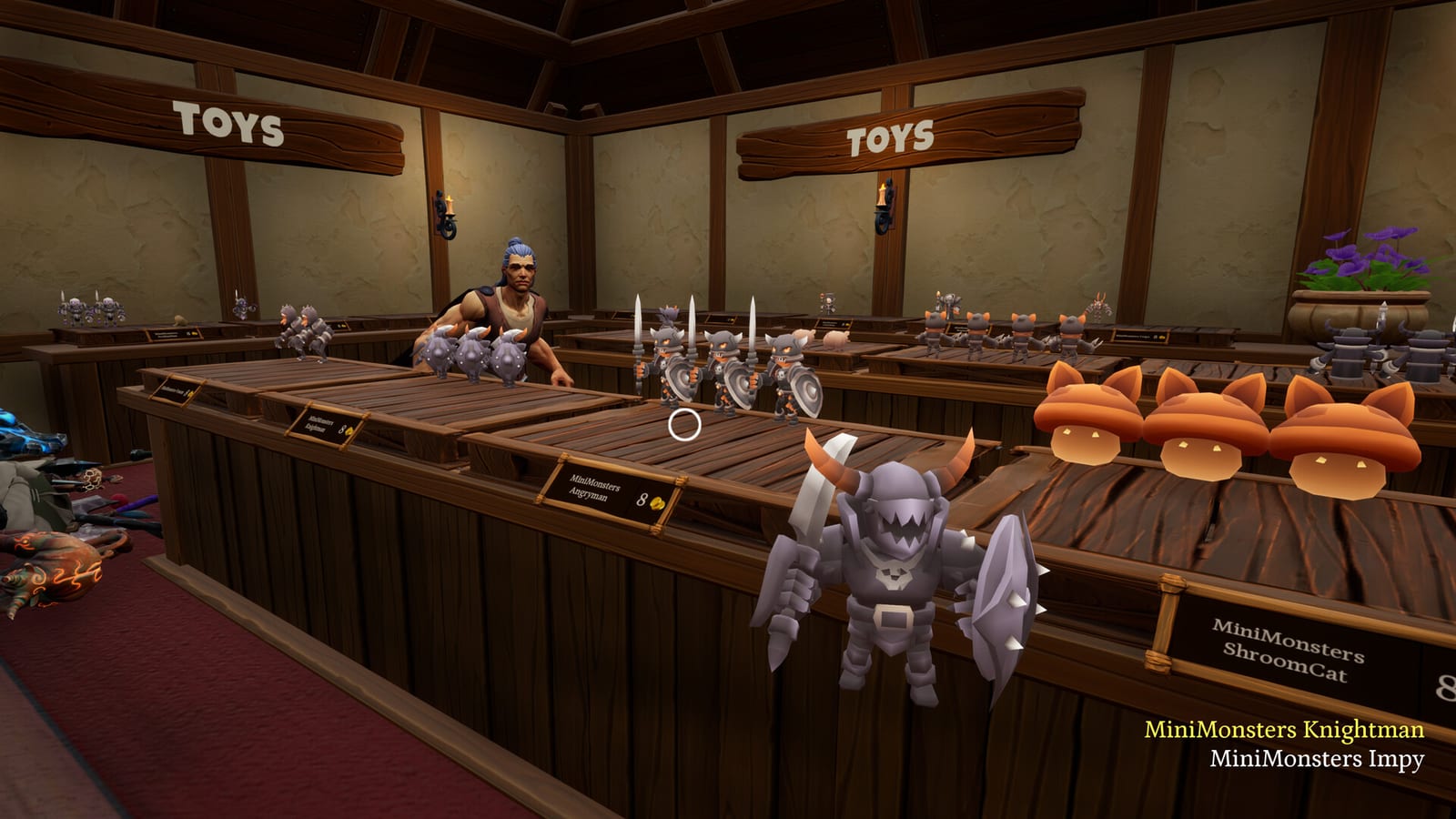
The demo page says it features its own unique, completable shop with a reduced item count. It also says the full game has thousands of items across 12 categories and that the demo shows 3 categories. A later demo blurb mentions 4 levels in the full package with 1 in the demo. The live full-game page still presents three named shops. Use the demo as a feel test, not as a datamined campaign map.
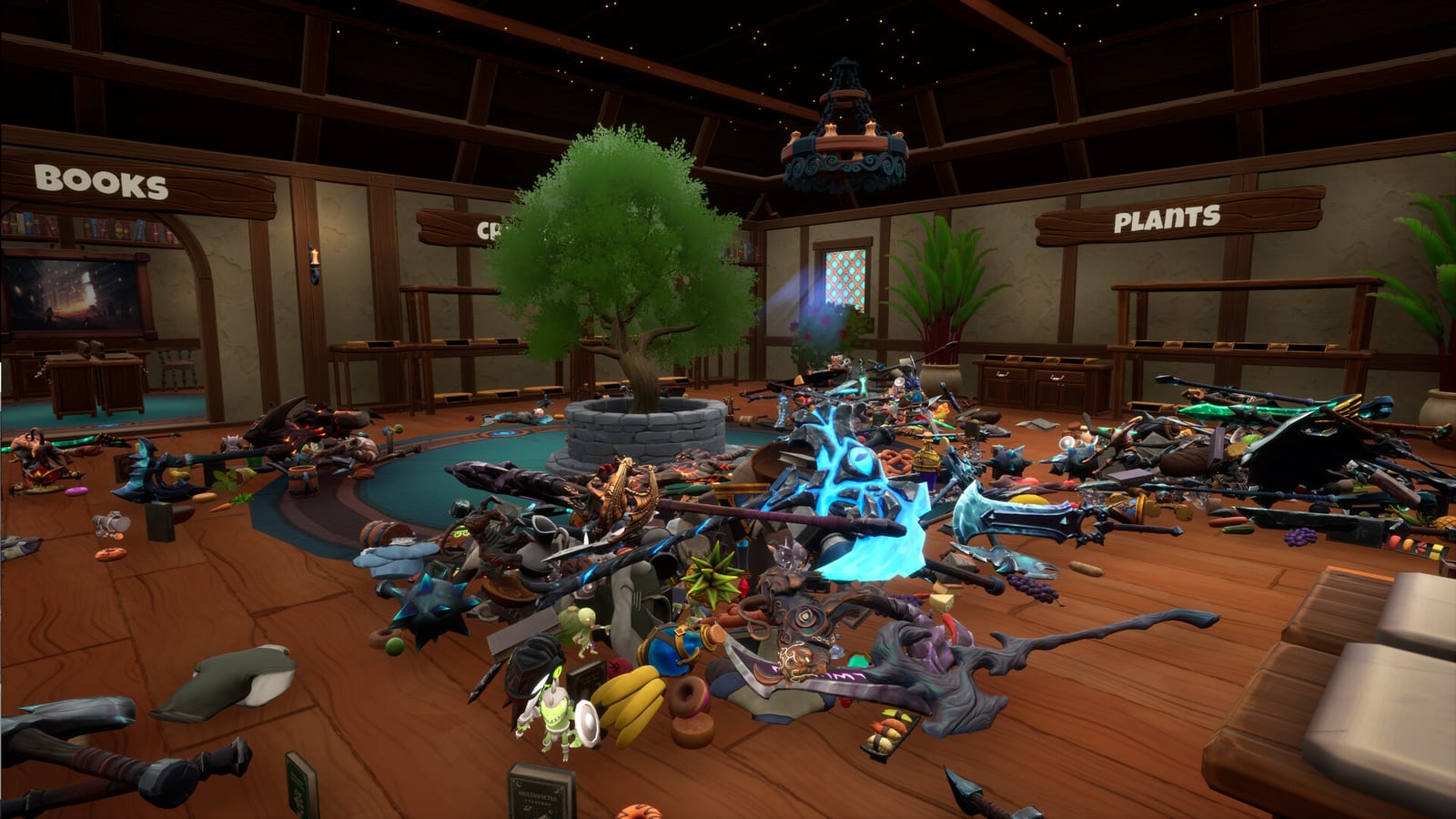
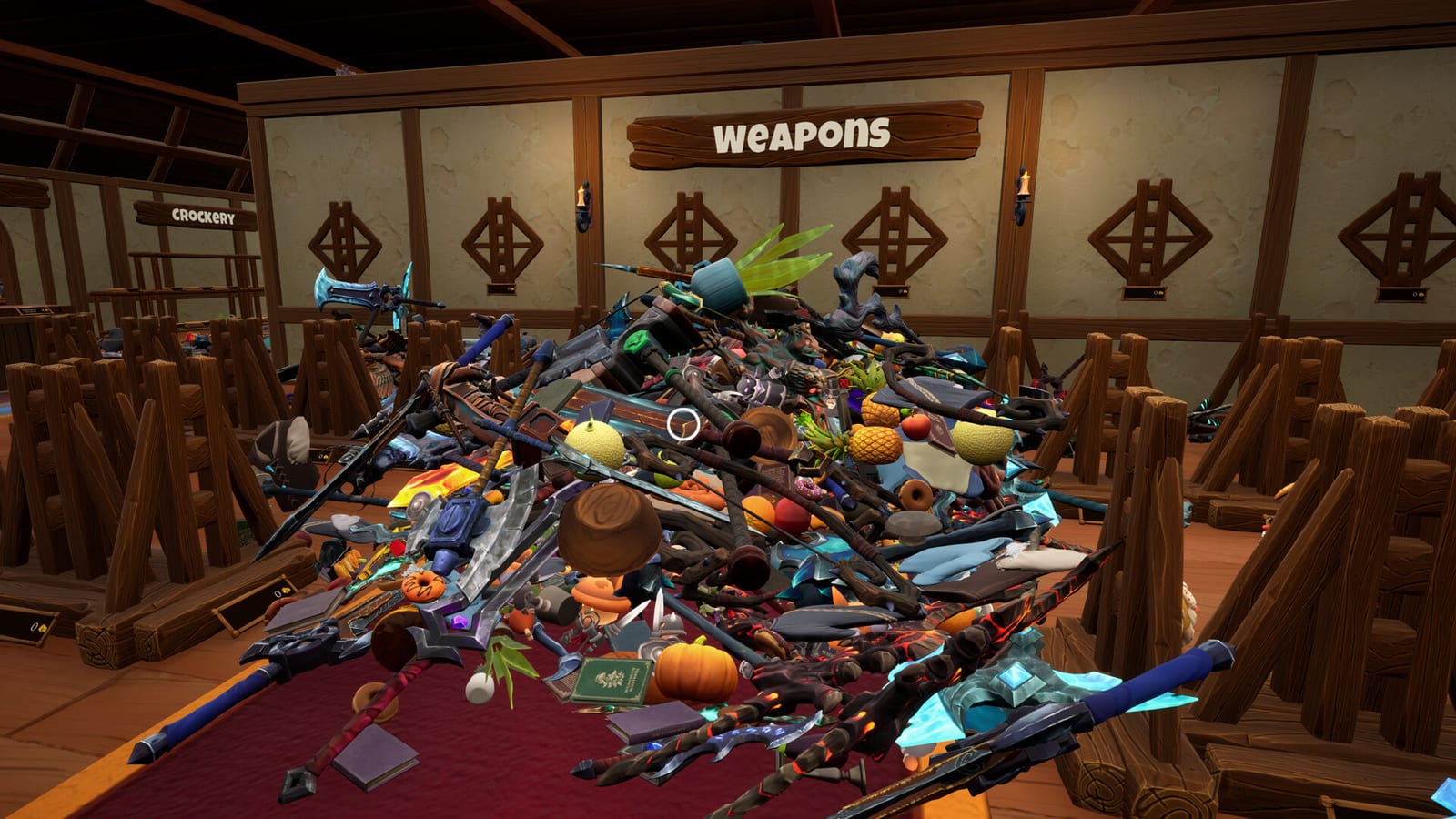
You still get the fantasy: wizard tornado, products on the floor, first-person tidy, no fail state, ability upgrades, character outfits, and full controller support. You should still be able to test pickup tightness, the green silhouette, and whether matching-without-punishment is a feature or a deal-breaker for you.
Play it with a friend if you can. Online co-op is the differentiator. A solo demo can make the game look smaller than the Leviathan Store will feel. A two-person demo tells you whether the netcode and the social loop are worth $6.
What the demo will not teach you
It will not teach you Dragon’s walking tax. It will not teach you a 20-hour clock. It will not show every category. It will not prove that your laptop can hold 9,000 items at recommended settings. For that last question, still try the demo, then read system requirements with honest eyes.
It will not give you redeem codes. It will not unlock the full achievement set. Some badges may be full-game only. Pet the cat if the animal is in the demo shop, then confirm the hidden badge in the full game if it did not pop.
A 20-minute demo plan
- Set sensitivity low. Confirm pick up, place, and drop. See controls.
- Tidy one category completely so you understand matching from how to play.
- Spend the first demo coins and see whether the upgrade panel looks like a toy box or a real help.
- If a friend is online, invite them and split the tiny shop anyway. Practice the manners on multiplayer.
- Stop. Decide. If you are smiling, buy. If you are bored because you cannot misplace items, you will be more bored on Dragon, not less.
After you buy
The full game starts at Wyrmling, not at a continuation of the demo save. Treat the demo shop as a memory. Follow Getting Started. Do not hunt for the demo floor inside Leviathan. It is not a secret fourth campaign shop.
If the demo runs poorly, do not buy on hope. This engine is Unreal Engine 5. Paper minimums are kind. Recommended specs are a 2070-class card. The review hub will not talk you into a refund-proof purchase.
Frequently Asked Questions
Quick answers to the most common questions.
Is the Tidy Up Together demo a slice of Wyrmling?
No. Official copy says it is a unique completable shop with fewer items and three categories.
Does demo progress carry over?
Treat it as separate. Start the full game at Wyrmling and follow Getting Started.
Can I try co-op in the demo?
You should. Online co-op is the feature that separates this title from many solo tidy games.
Where do I download the demo?
Steam app 5006000, linked from the main Tidy Up Together store page. This wiki does not host the files.