Tidy Up Together System Requirements
Official Steam minimums and recommended specs, plus how to read them before you buy.
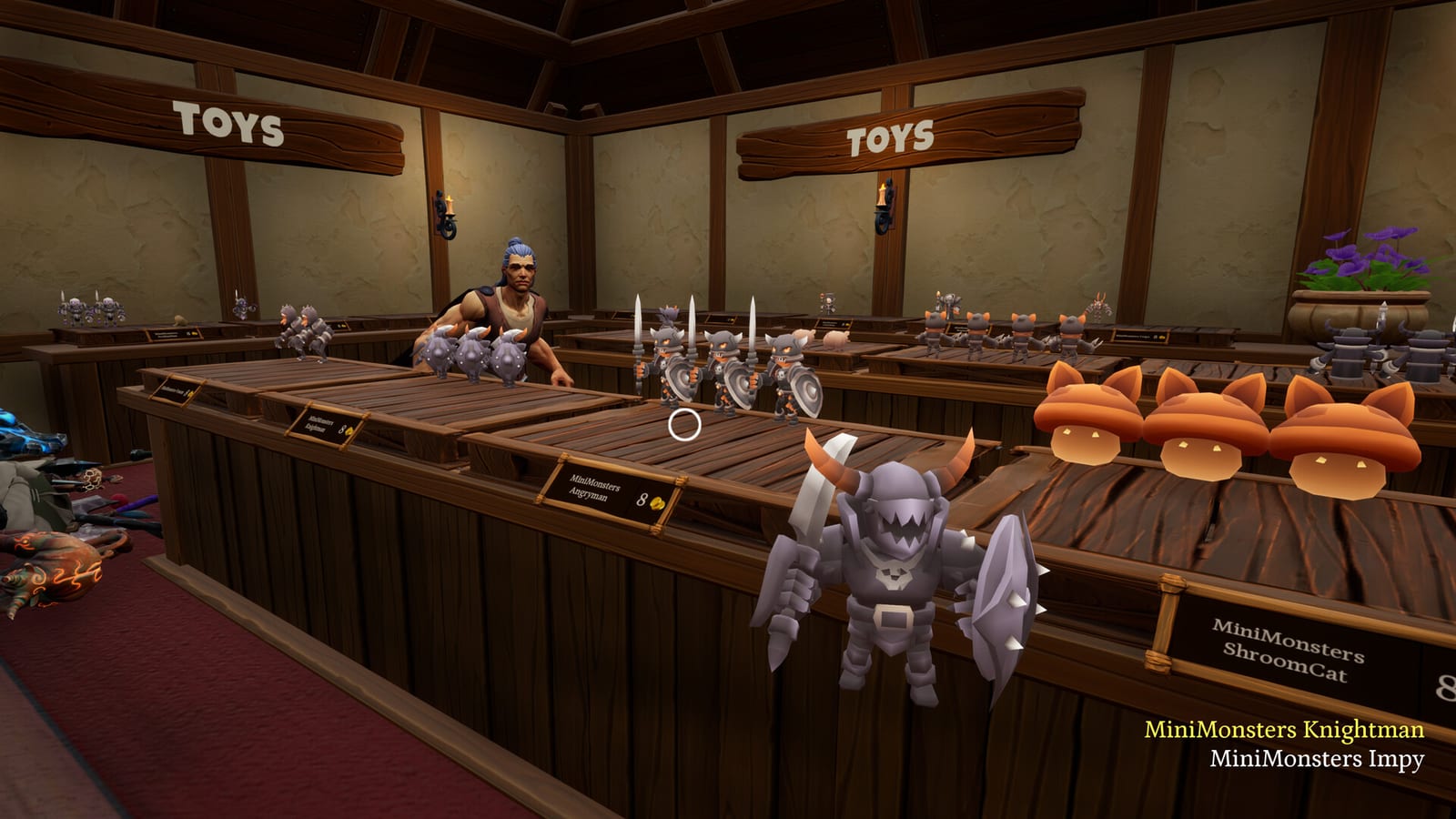
Tidy Up Together is a Windows-only Unreal Engine 5 shop sim. Steam lists no Mac and no Linux build. If you are on those platforms, this page is already your answer. If you are on Windows, read both columns. The gap between minimum and recommended is wide, and that gap is the real hardware story.
Official Steam specs
Minimum
- OS: Windows 10 or newer, 64-bit
- CPU: Intel i3 / AMD FX series or equivalent
- RAM: 4 GB
- GPU: Nvidia 450 / AMD equivalent with 2 GB or more of video memory
- DirectX: 12
- Storage: 8 GB
Recommended
- OS: Windows 11, 64-bit
- CPU: Intel i5 4650 / AMD FX-8320 or equivalent
- RAM: 8 GB
- GPU: Nvidia 2070 / AMD equivalent with 4 GB or more of video memory
- DirectX: 12
- Storage: 8 GB
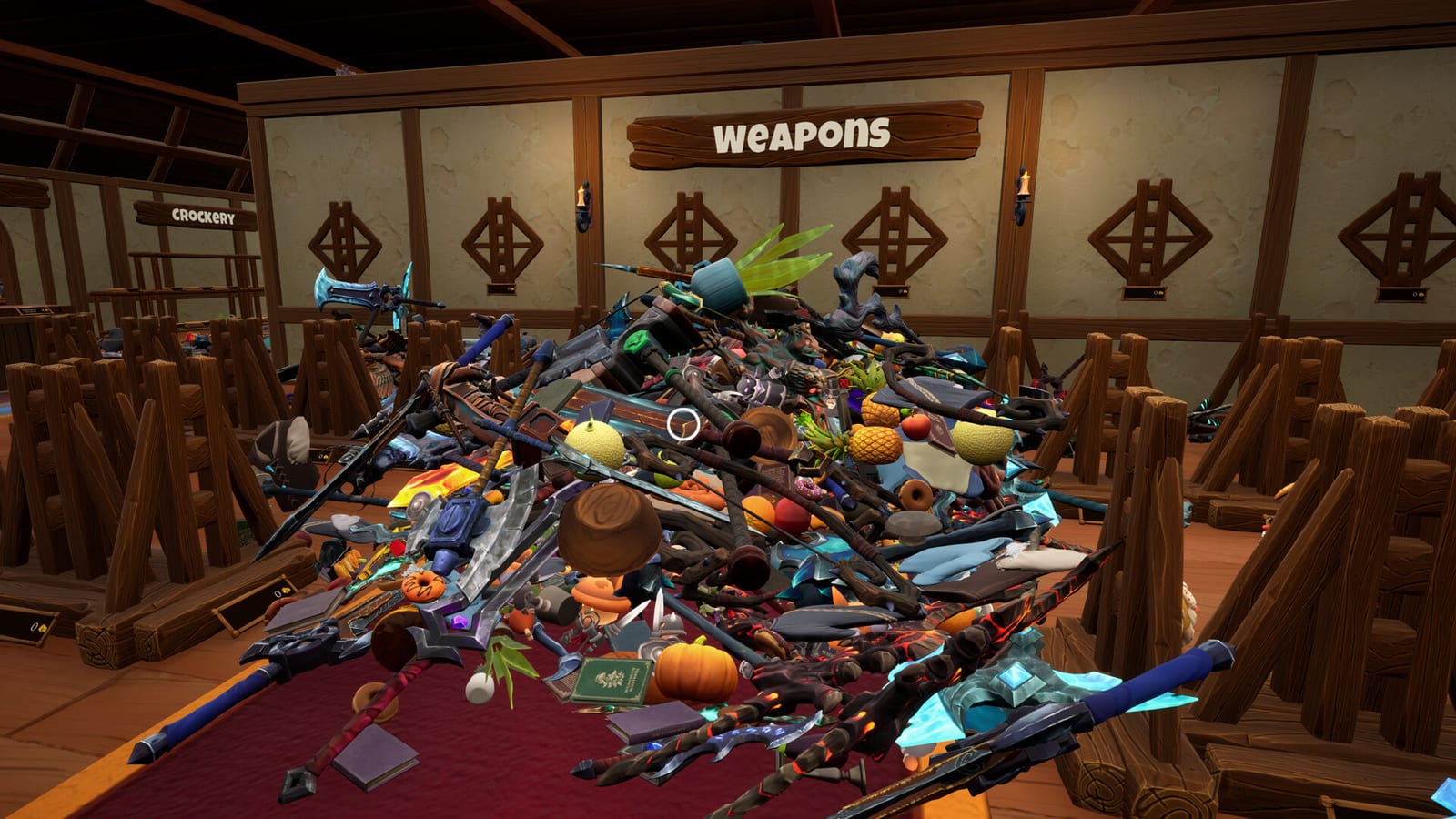
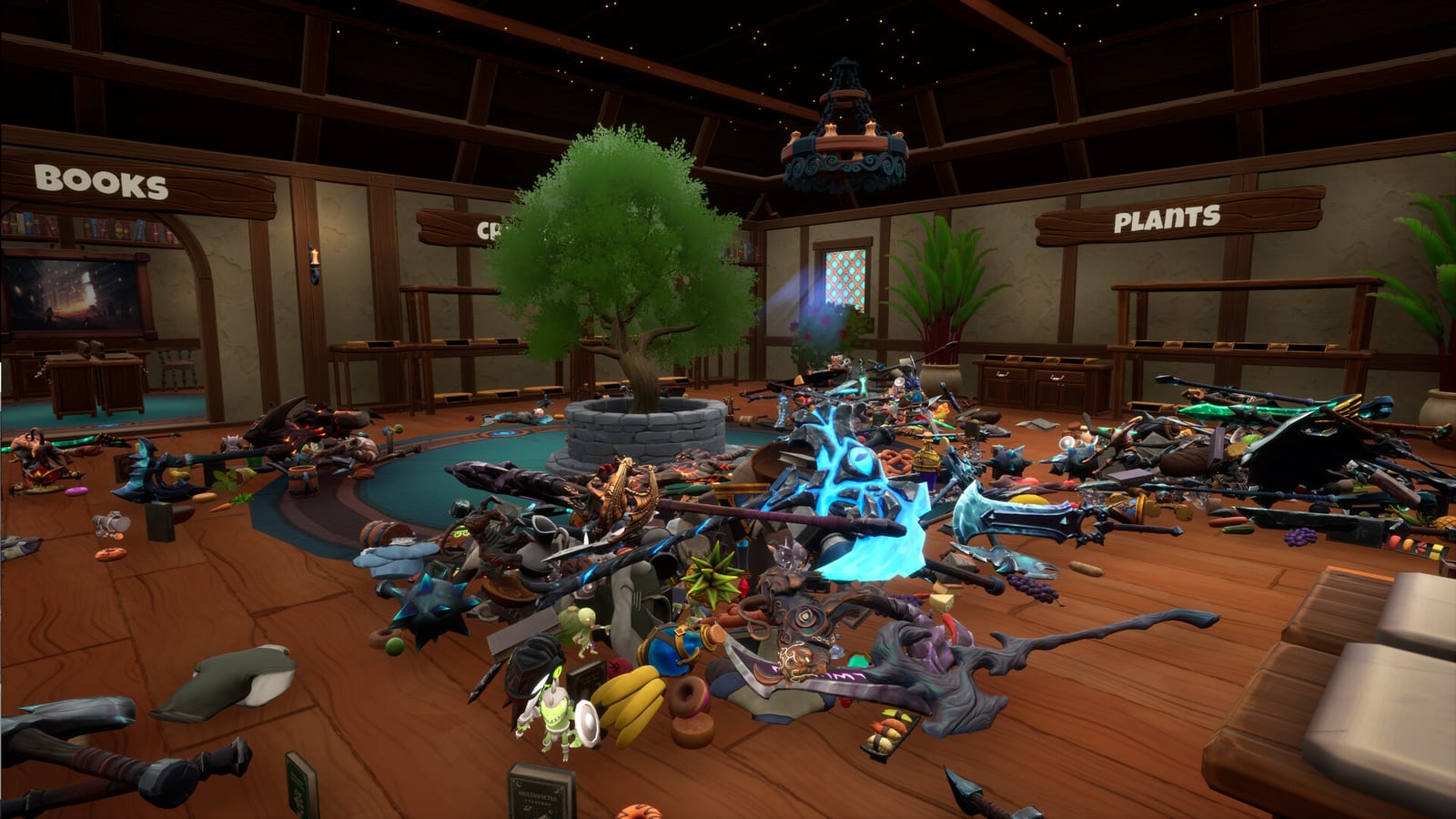
Those lines are copied from the live store page. They are not a benchmark we ran. The minimum GPU line is old enough that you should treat it as “the game can start,” not “Leviathan will be pretty.” The recommended GPU line is a modern-enough card that a cluttered first-person shop can hold frame rate when 9,000 items exist.
How to test instead of hoping
Download the demo. Tidy for fifteen minutes in first person. Look at potion glass, food piles, and a busy shelf. If the demo already stutters on the unique small shop, the Leviathan Store will not magically optimize itself. If the demo is fine, you still might lower effects on Dragon. That is cheaper than a refund argument.
Steam’s store UI exposes Steam Deck playtime filters because some people will try. Malum Games did not publish a Deck verification badge in the materials we used. If you play on Deck, you are experimenting. Use community reports on Steam, not this wiki, for Deck settings.
Other technical facts that are not FPS
The game wants 64-bit Windows and DirectX 12. It lists Steam Cloud and Family Sharing. It lists full controller support. It lists Camera Comfort, Color Alternatives, Custom Volume Controls, Playable without Timed Input, and Save Anytime. Those flags will not raise your frame rate. They will make a low-spec session less miserable if the frame rate is already acceptable.
Storage is 8 GB on both columns. That is the install size claim, not a “leave 8 GB free on a 128 GB drive and also keep shaders” claim. Leave extra room.
There is no official ray-tracing toggle in the public copy. There is no official 4K benchmark. There is no official ultrawide note. If your monitor is exotic, the demo is again the answer.
Buying advice tied to hardware
If you meet recommended specs, hardware is not your decision. Read the review for design fit. If you only meet minimums, play the demo and be ready to stay on Wyrmling. If you are under minimums, do not buy on a YouTube long-play. That long-play was someone else’s GPU.
This wiki cannot refund you. Steam can. Official support is apostle@malumgames.com. Ask them about specific cards if you need a human at the studio. We will not invent a “best settings” list we have not measured.
Frequently Asked Questions
Quick answers to the most common questions.
Does Tidy Up Together run on Mac or Linux?
Steam lists Windows only. There is no official Mac or Linux build on the store page we used.
Is the 2 GB GPU minimum enough for Leviathan?
Treat minimum as launch, not as a large-shop promise. Try the demo. Recommended names a 2070-class card.
How much disk space do I need?
Steam says 8 GB on both columns. Leave extra free space for Windows and shaders.
Is it verified on Steam Deck?
The materials we used do not show an official Deck badge. Community reports on Steam are the live source.