Tidy Up Together Controls
How to move, grab, and place without inventing keys the store page never listed.
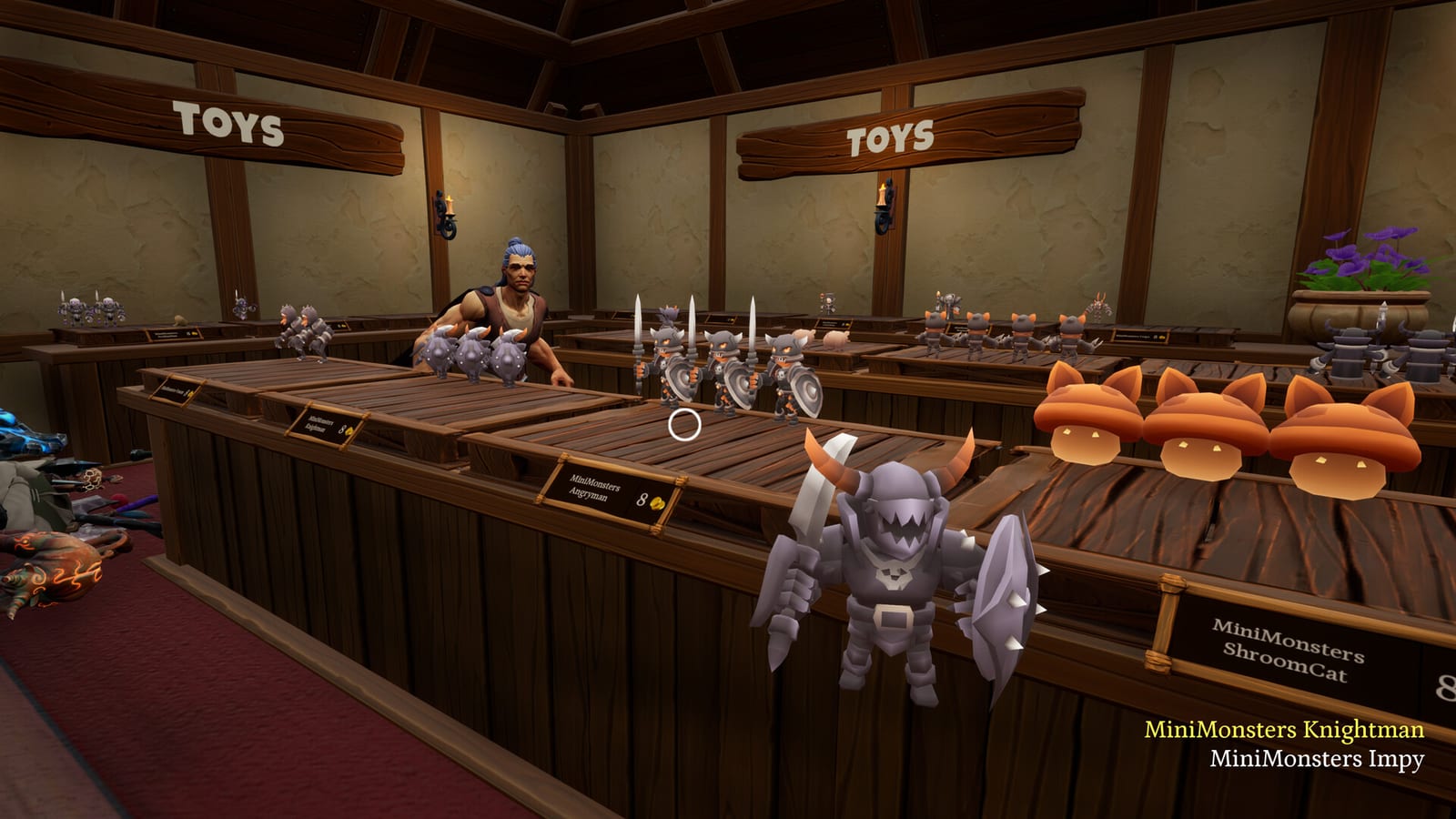
Tidy Up Together is a first-person Unreal Engine 5 shop sim with full controller support. Steam also flags Camera Comfort, Color Alternatives, Custom Volume Controls, Playable without Timed Input, and Save Anytime. That package is the official controls story: you can play with a mouse or a pad, you can soften the camera, and the game will not fail you for being slow.
This page does not invent a key table. Malum Games did not publish a public bind list on the store page, and early write-ups disagree on flavor text more than they agree on every key. What we can say with confidence is the verb set and the hardware support. If a YouTube overlay shows a specific key, treat that as that creator’s bind, then confirm it in your own options menu.
What you need to do with your hands
The verbs are move, look, pick up, place, and drop. You will also open the skill or upgrade panel once coins exist, and you will interact with the shop cat for the hidden pet achievement. Everything else is walking a wrecked floor in first person.
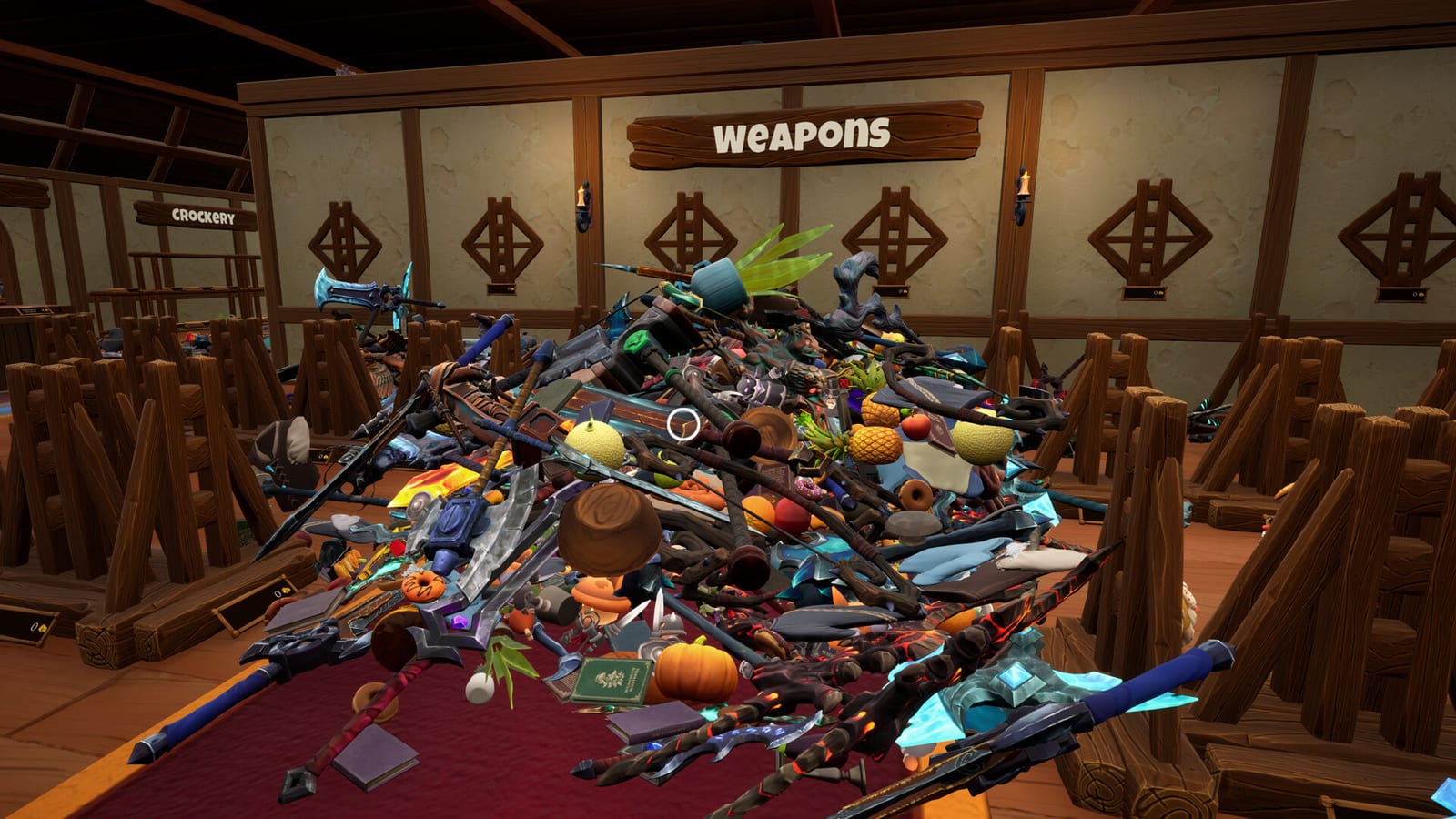
Because pickup volumes are tight, look sensitivity matters more than in a typical cozy game. If you overshoot bottles, lower look speed before you buy a new mouse. If you play on a controller, use a moderate stick curve and lean on Camera Comfort if the studio exposes it in the options list. The how to find items page is really a controls page in disguise: most “I cannot grab this” reports are aim, not a broken spawn.
Placement is the kinder verb. Once a green silhouette is up, commit. Fidgeting the stick after the ghost appears is how people miss a legal shelf and blame the game. If the silhouette will not appear, you are holding the wrong type for that run of shelves. Drop, grab a matching pile, and try the same aisle again. How to play explains the matching rule.
Keyboard and mouse versus controller
Steam lists Full controller support. That is the pad path. Keyboard and mouse is the default first-person path: one hand moves, one hand aims at products. Neither path is required. Play the demo for ten minutes on each if you are unsure. The demo’s unique shop is small enough that a control test does not cost an evening.
On a desk, a mouse makes the tight hitboxes less painful because you can micro-aim at a bottle neck. On a sofa, a controller is more comfortable for a two-hour Dragon session, but you will fight the same small volumes. Friends in multiplayer can mix devices. Online co-op does not care whether one of you is on a pad.
Do not expect gyro or Steam Input community layouts to be documented here on day two. If Steam Input shows a template, it is a player upload, not an official Malum chart.
Accessibility and comfort
The store page’s extra flags are doing real work for this genre:
- Camera Comfort is for players who dislike bob or snap in first person.
- Color Alternatives matters when potion glass and food crates share a warm palette. If two categories look identical to you, turn this on before you rage at the item categories.
- Custom Volume Controls let you keep the medieval shop music that reviewers liked without letting effects clip.
- Playable without Timed Input and Save Anytime mean a normal clear is not a quick-time event. The only clocks are optional time challenges.
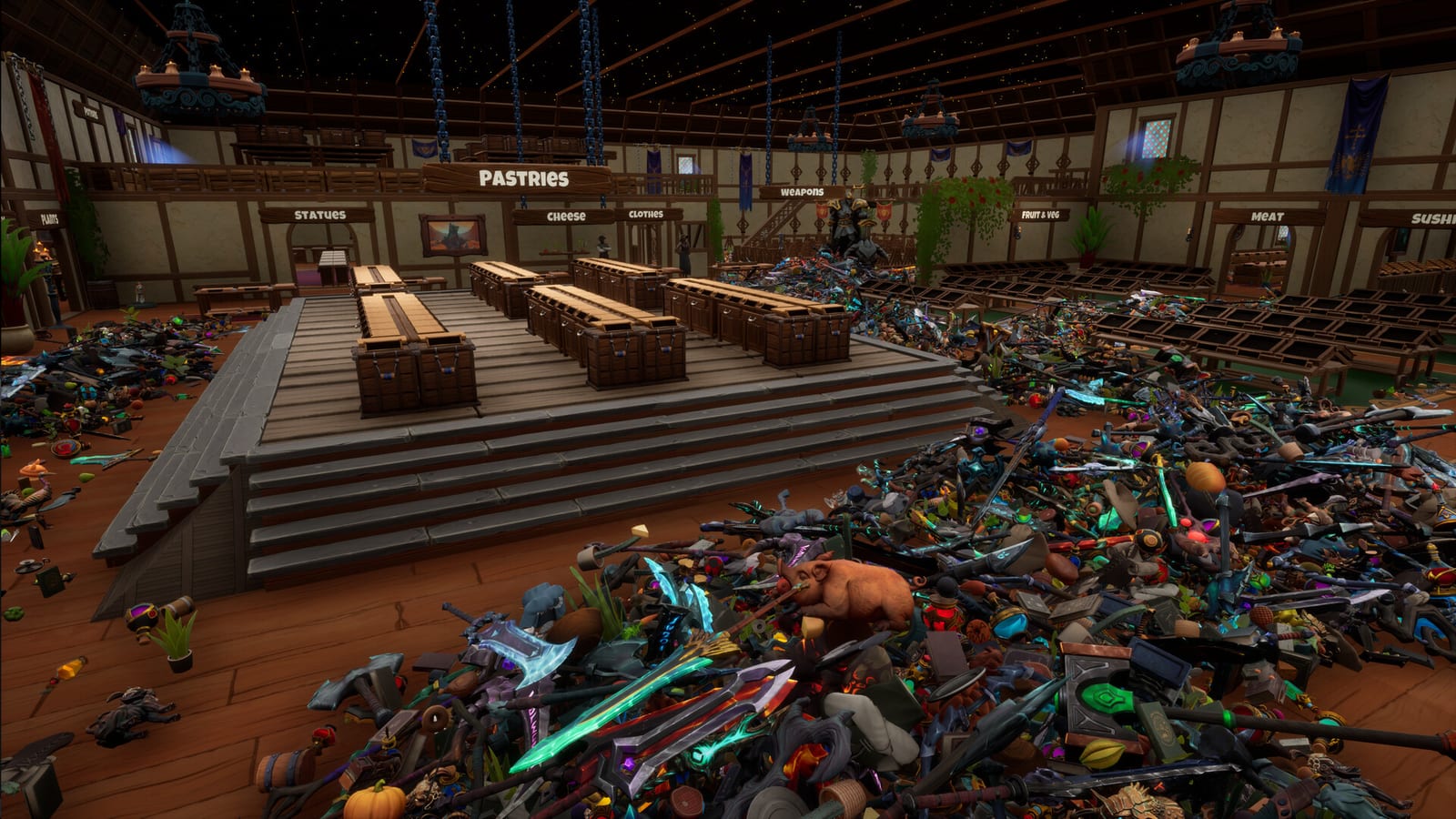
If your eyes hurt after a long session, that is a real launch-review comment, not a joke. Take breaks on Dragon. Leviathan is a lighting and clutter marathon.
v1.04 comfort options. Steam news added a toggle to stop carried items bobbing up and down while you walk — aimed at motion sickness — plus an updated heart particle effect and an option to hide particles. Turn those on before you blame the camera alone. Pair them with Camera Comfort on long Leviathan nights.
Recommended setup before Wyrmling
- Set look sensitivity lower than your shooter default.
- Confirm pick up, place, and drop in the options screen so this wiki is not guessing your binds.
- Enable Color Alternatives if category colors collide.
- Test both mouse and pad in the demo if you own it.
- Only then start the Wyrmling Shop and the Getting Started route.
If a bind is missing from your build, check for a day-one patch on Steam and ask in the studio Discord linked from the review hub. Do not trust a random key list copied from a different tidy-up game. Those titles bind E and F in ways this one may not.
Frequently Asked Questions
Quick answers to the most common questions.
Does Tidy Up Together support a controller?
Yes. Steam lists full controller support. Keyboard and mouse also work. Mix devices in online co-op if you want.
Why can I not pick items up reliably?
Launch reviews call the grab volume tight. Aim more carefully, drop a messy stack, and lower look sensitivity before you assume a bug.
Are the time challenges required?
No. Steam also flags Playable without Timed Input. The clocks are optional achievements.
Where is the official key list?
Not on the public store page. Confirm binds in your options menu rather than copying another game's E and F layout.